Word Battle Controls and Typing Setup
Word Battle is a typing race, not a hotkey sim - focus the input, type cleanly, and know where Boost and language live.
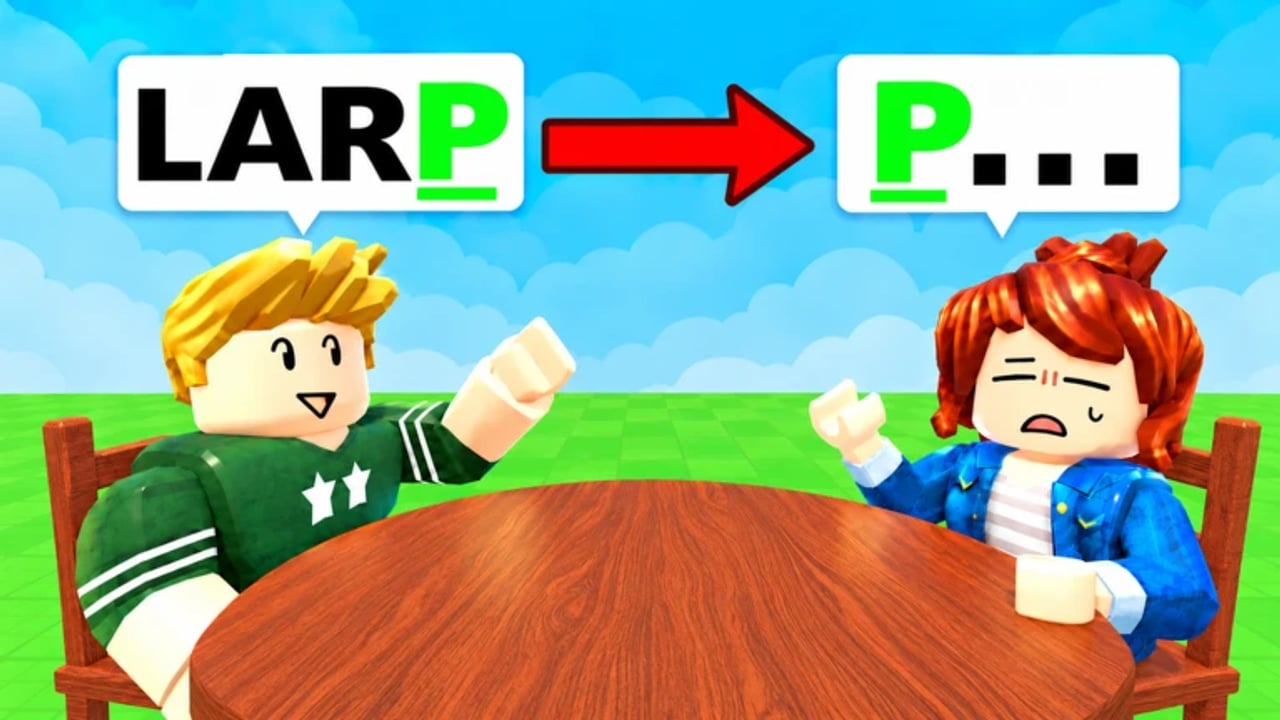
Word Battle! by Table IDK Games does not ask you to memorize a forty-key combat kit. The Roblox beta is a shared-letter typing race: sit at a table, read the prompt, submit a valid unused word before the timer expires, and stay in your chair while rivals fall. That simplicity is the point of this Controls guide. If you came looking for complex keybinds, remappable macros, or controller combos, you will not find them here - and that is good news. Your edge is focus, spelling accuracy, and knowing which UI element is the word box versus Roblox chat.
Pair this page with How to Play for match flow and Getting Started for the day-one checklist. Boost timing lives on Boosts. Language selection and dictionary impact live on Languages.
What you actually control
During a live round you manage a short list of actions:
- Seat yourself at an open table chair so you are in the match.
- Read the shared letter when it appears.
- Type a word that starts with that letter into the game word input.
- Submit before time runs out.
- Activate a Boost when you need extra think time.
- Pick your language before serious matches so the dictionary matches your prep.
There is no jump-cancel, no ability rotation, and no inventory hotbar that decides the round. Chair knockout still follows the same three failures covered elsewhere: wrong starting letter, repeated word, or timeout. Controls only matter because a mistyped submit or a chat message typed into the wrong box burns the same timer as a blank mind.
PC keyboard focus
On desktop, treat Word Battle like a focused typing test with spectators.
Click or tab into the word field as soon as you sit. Confirm the caret is blinking in the experience input, not in the Roblox chat bar. Many eliminations on PC are not vocabulary failures - they are chat-box failures. A perfect word typed into chat does nothing for the round.
Prefer a physical keyboard. Raw key travel and muscle memory beat on-screen keys for long lobbies. Keep fingers home-row ready when the letter drops. Short, high-confidence words usually win early rounds; longer show-off words only help when your first choice is already used and you still have runway.
Caps Lock and layout. The dictionary cares about letters, not style. Still, accidental Caps Lock rarely helps readability, and a wrong OS keyboard layout (for example typing QWERTY muscle memory on an AZERTY physical board) will produce rejects that look like “the game is broken.” Fix layout before you blame the beta.
Do not remap what does not exist. Word Battle is not asking for custom WASD binds. Spending time hunting advanced keybind menus is time you should spend building a hard-letter bank instead.
Mobile typing
Mobile players can compete, especially in quieter rooms, but the control surface is different.
Open the in-experience word input, not only the Roblox app chat. Touch keyboards are slower and more error-prone under pressure. Favor short legal words you can type without autocorrect fights. If your phone insists on capitalizing or “correcting” game terms into nonsense, turn aggressive autocorrect off for the session.
Sit with stable posture. One-hand typing while walking will lose to a seated desktop player who already locked quiet before you finished q. That is a device reality, not a skill insult. Warm up in Solo on mobile so you know which letters feel slow on your specific keyboard skin.
Submit earlier on average. Desktop players sometimes bait the timer; mobile players should default to early clean submits unless they already have the word fully typed and only need the send tap. See race tactics on How to Play and mode choice on Solo vs Versus.
Chat versus word input
Roblox always gives you a social chat channel. Word Battle also needs a dedicated place to receive your match answer. Mixing them up is the most common control mistake after “I forgot the letter.”
Before the letter appears: type a test letter into the word field if the UI allows practice focus, or simply click the field once so focus is correct.
During the letter: never open chat to “think out loud.” Talking in chat while the timer runs is how players lose easy S or C rounds.
After elimination: chat is fine. Ask what word survived, note the letter that killed you, then leave or spectate without rage-typing into the next queue’s input by accident.
If a round rejects a word you are sure is valid, first confirm you submitted through the game field, the language matches your expectation, the spelling is exact, and the word was not already used. Control hygiene eliminates false bug reports.
Boost button and think-time extensions
Boosts extend thinking time. They do not type for you, skip the letter rule, or unlock repeats. On both PC and mobile, learn where the Boost control sits in the HUD before a deep Versus lobby. When your mind blanks on Q, X, Z, or J, activate early enough that the extra seconds still leave typing time.
Control tip: decide the Boost hot-path in calm Solo matches so your hand already knows the motion. Panic hunting for the button wastes the same seconds the Boost is supposed to buy. Full spend rules are on Boosts - this page only stresses that Boost is a deliberate UI action, not an automatic safety net.
Language selector location and timing
Word Battle supports English, Portuguese, Spanish, German, French, Italian, and Indonesian word sets. The selector belongs in your pre-match routine, not mid-panic. Change language when you are seated and waiting, or between matches, then confirm with a Solo prompt if you just switched.
Controls implication: after a language change, your muscle-memory English openers may become invalid. That feels like a “controls bug” when it is really a dictionary mismatch. Read Languages before climbing in a non-default set.
What NOT to do
- Do not search for complex keybind charts. There is nothing to bind beyond typing, submitting, Boosting, and menu navigation.
- Do not use chat as a scratch pad during the timer.
- Do not mash submit on a half-typed string hoping the game will autocomplete. It will not save you.
- Do not rely on external auto-typers. Fair play and account safety matter more than a temporary chair; see the Scripts hub if you are researching that risk space.
- Do not switch languages every round “for fun” while learning controls. Stabilize one language until input focus is automatic.
- Do not ignore device limits. If mobile autocorrect keeps eating letters, fix the keyboard settings before grinding Impossible bots or full lobbies.
Pre-match controls checklist
- Sit at a chair and confirm you can see the letter UI.
- Click the word input once; verify focus is not in Roblox chat.
- Confirm language for the session.
- Note where Boost appears on your screen size.
- If you are on mobile, disable painful autocorrect and orient the device for two-thumb typing.
- Warm up with one Solo letter if you feel rusty, then queue Versus.
After you have controls down
Controls mastery is table stakes. The real climb is vocabulary depth, Boost conservation, and lobby reading. Move next to Getting Started if you still miss onboarding steps, How to Play for elimination theory, Boosts for spend discipline, and Languages for dictionary strategy. When hard letters start deciding your exits, drill them instead of remapping keys that were never the problem.
Word Battle remains in beta as of November 2026, so HUD labels can shift after patches. The durable control lesson will not: focus the word field, type a legal unused starter, Boost on purpose, and keep chat out of the timer. Players who treat that loop as sacred stay seated longer than players hunting for secret keybinds that do not exist.
Frequently Asked Questions
Quick answers to the most common Word Battle questions.
Does Word Battle have complex keybinds?
No. It is a typing race. You focus the word input, type a valid unused word, submit before the timer, and optionally activate a Boost. There is no combat hotkey kit to learn.
Why did my word go to chat instead of counting?
Roblox chat and the Word Battle answer field are different. Click the in-game word input so the caret is there before the letter appears, then type and submit.
Can mobile players compete with PC typists?
Yes, especially with short high-confidence words and earlier submits. Turn off aggressive autocorrect and warm up in Solo so your touch keyboard timing feels predictable.
Where do I change language?
Use the in-game language selector before serious matches. Supported sets include EN, PT, ES, DE, FR, IT, and ID. Confirm after patches on the Languages guide.
What should I practice after controls feel automatic?
Study How to Play and Getting Started, then learn Boost timing and hard-letter banks. Controls only get you into the fight; vocabulary and timer discipline win deep lobbies.